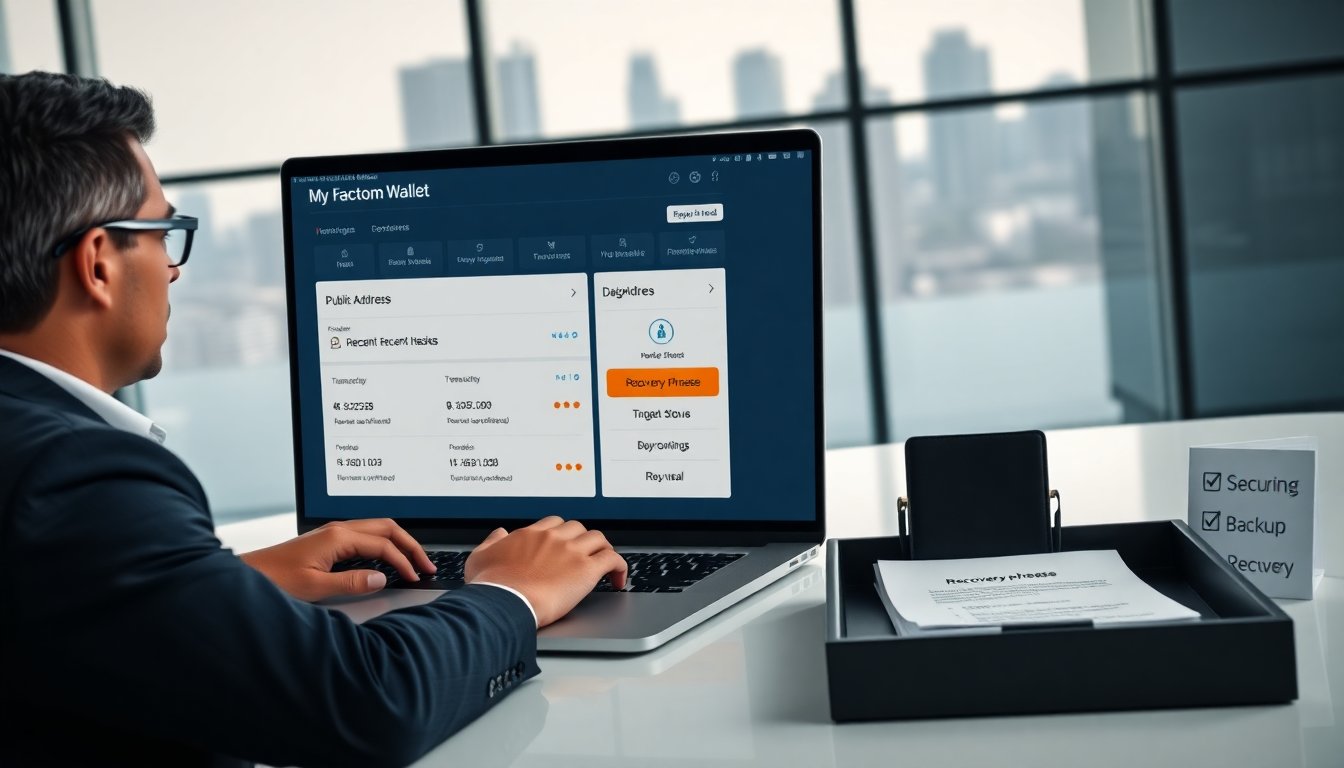
My Factom Wallet helps users store and manage Factom keys and entries. The guide explains setup, security, and common fixes. It gives clear steps and practical advice. The reader learns how to create an account, send entries, back up keys, and recover access. The guide uses plain language and direct steps.
Key Takeaways
- My Factom Wallet securely stores Factom keys and signs entries to anchor data on the Factom network.
- Setting up My Factom Wallet involves creating a wallet, recording a recovery phrase, and setting a strong local password.
- Users should back up their private keys offline and test recovery procedures to ensure access restoration.
- Sending and receiving Factom entries requires using public addresses and monitoring transaction confirmations.
- Security best practices include keeping keys offline, verifying wallet sources, and updating software regularly.
- Troubleshoot common wallet issues by checking network connections, verifying fees, and restoring access with the recovery phrase.
What Is My Factom Wallet And How It Works
My Factom Wallet stores Factom addresses, private keys, and entry history. The wallet signs entries and sends them to the Factom network. It shows balances in Factoids and FCT-related tokens. It connects to a node or trusted API to submit entries. The wallet displays transaction status and entry IDs. Users can create entries that anchor data to Factom chains. The wallet verifies entry confirmations and returns a permanent entry hash. The wallet uses cryptographic keys to secure access and to sign outgoing entries.
Setup And Create Your First Wallet
The setup process installs the wallet app or opens the web interface. The user chooses to create a new wallet or import keys. The wallet generates a private key and a public address. The wallet prompts the user to record the recovery phrase. The wallet asks the user to set a local password for the interface. The wallet syncs with a node and displays the new address. The wallet shows fee estimates for Factom entries and suggests a safe fee.
Creating An Account: Step-By-Step
Open the My Factom Wallet app or website. Choose Create New Wallet. Write down the recovery phrase on paper. Confirm the recovery phrase when asked. Set a local password for the app. Store the password in a password manager or secure note. Verify that the wallet shows the new public address. Fund the address by transferring Factoids or tokens from an exchange. Wait for network confirmations before sending entries.
Sending Your First Entry And Receiving Funds
To receive funds, share the public address. The sender sends Factoids to that address. The wallet shows incoming transactions after confirmations. To send an entry, open the New Entry screen. Paste or type the data to anchor to a chain. Choose the target chain or create a new chain. Set the entry fee and submit the entry. The wallet will sign the entry and broadcast it. The wallet shows the entry hash and tracks confirmation status.
Security Best Practices For My Factom Wallet
The user should keep the private key offline when possible. The user should use a hardware wallet if the wallet supports it. The user should enable strong local passwords and system encryption. The user should verify the wallet source before installing. The user should keep the wallet software updated. The user should avoid entering the recovery phrase on shared or public devices. The user should check entry IDs on a block explorer to confirm finality.
Backup, Private Key Storage, And Recovery
The wallet creates a recovery phrase at account creation. The user writes the phrase on paper and stores it in a safe. The user may copy the phrase to a metal backup device for durability. The user should not store the phrase in plain text online. The user can export an encrypted keyfile and store it offline. The wallet supports recovery by entering the recovery phrase or importing the encrypted keyfile. The user tests recovery with a small restore to confirm the process.
Troubleshooting Common Issues And Quick Fixes
If the wallet fails to sync, check node connection and internet access. If the wallet shows incorrect balance, wait for confirmations and refresh the wallet. If the wallet rejects a transaction, verify fees and sequence numbers. If the wallet loses the password, use the recovery phrase to restore access. If the wallet shows unknown entries, verify the entry hash on a block explorer. If the wallet app crashes, update the app or reinstall from the official source. If the user suspects compromise, move funds to a new wallet and revoke exposure.